
Templates
Client intake form templates
Intake is more than one form. A prospect sends an enquiry, a new client tells you about their situation before the kickoff, and a first piece of work starts the engagement. These three templates cover that path. Each one is a page you can edit word by word, shared as one link that clients answer without an account.
The templates
Open a template to preview every question, or start from it right away. Everything in it can be edited.
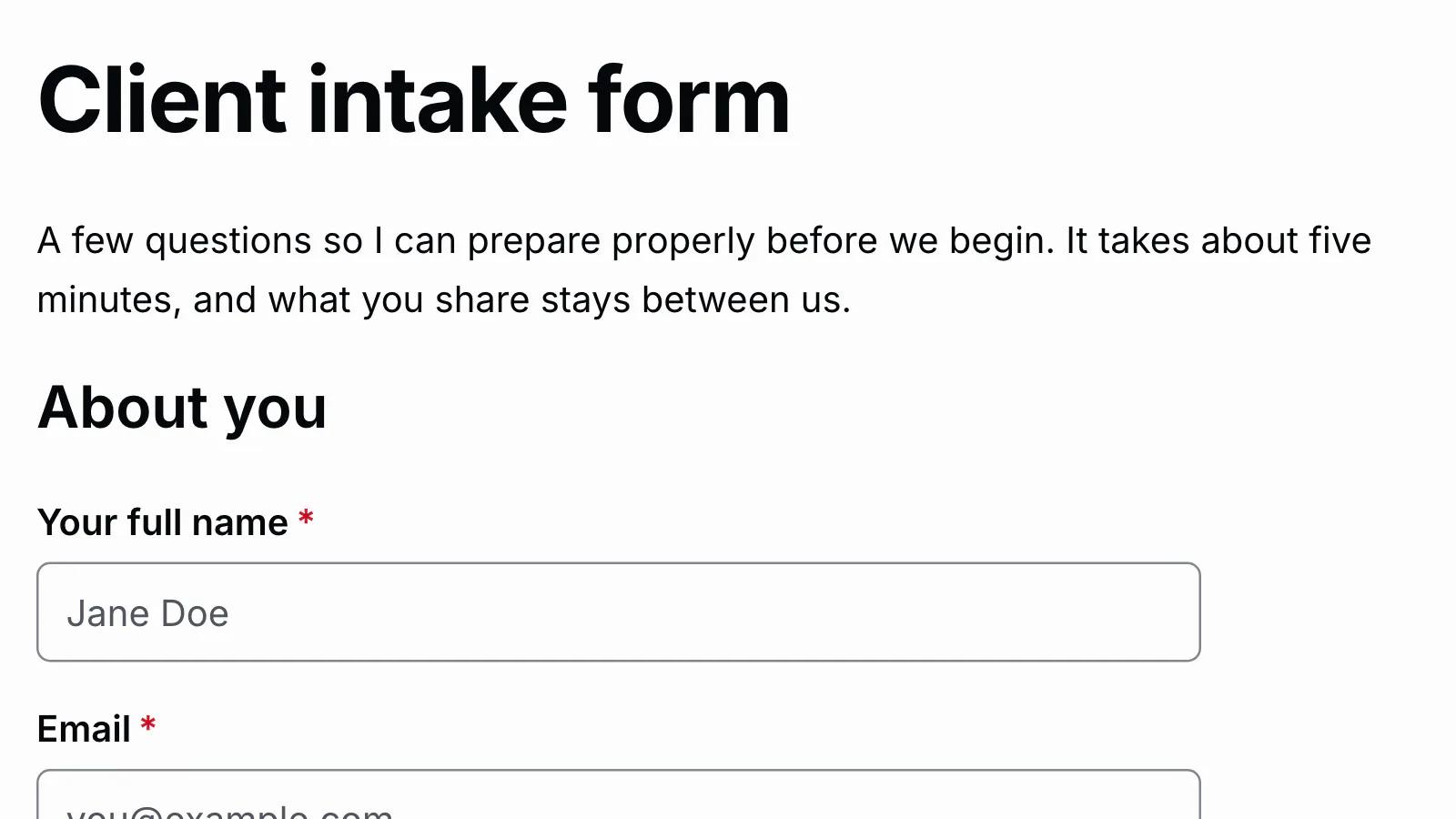
Client intake form
10 questions
Collect the essentials from a new client before the first call: who they are, what they want to change and how they found you.
It asks
- Your full name
- Where are you based?
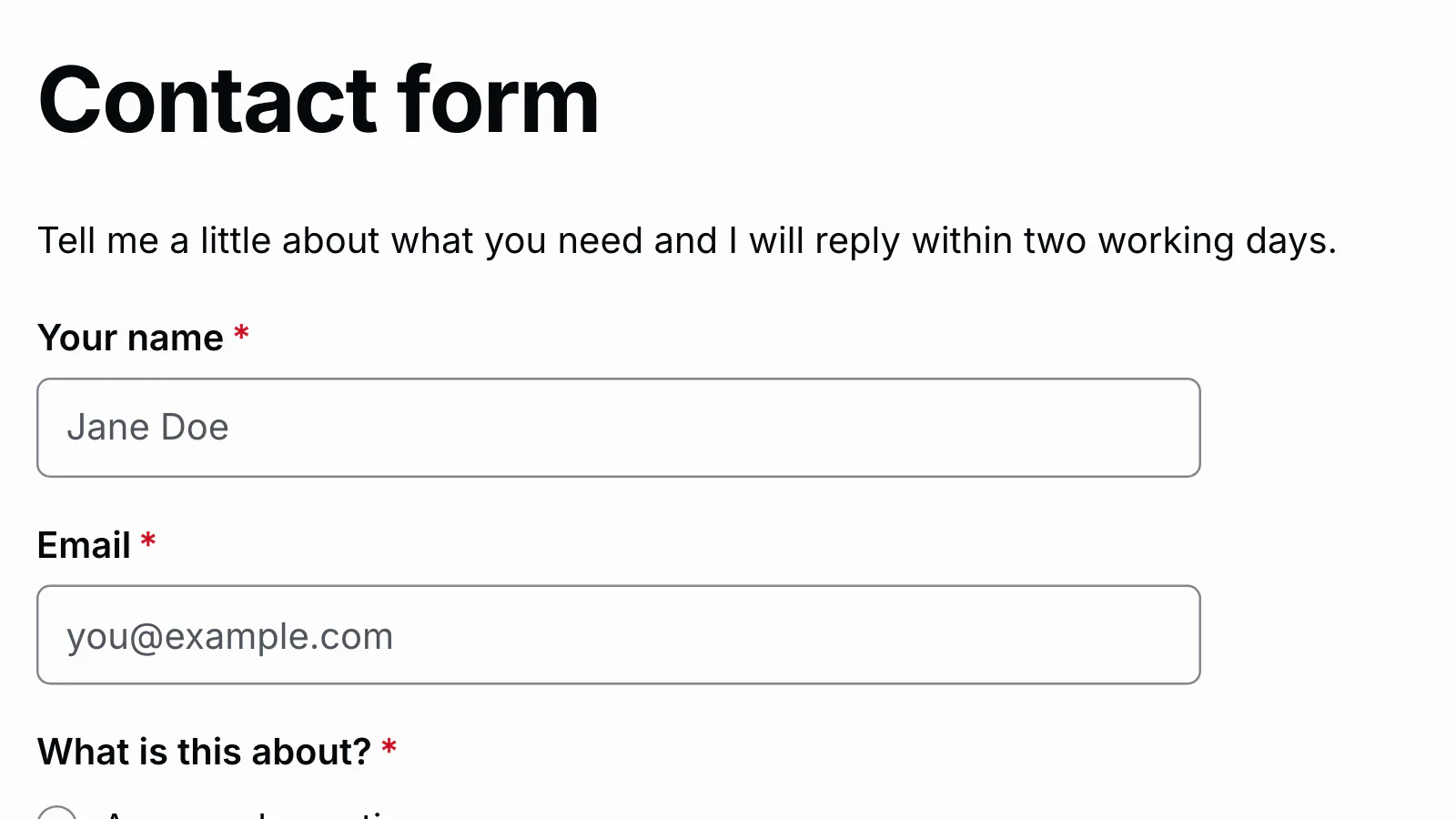
Contact form
4 questions
A simple contact form for your website or proposals: name, email, what the message is about and the message itself.
It asks
- Your name
- What is this about?
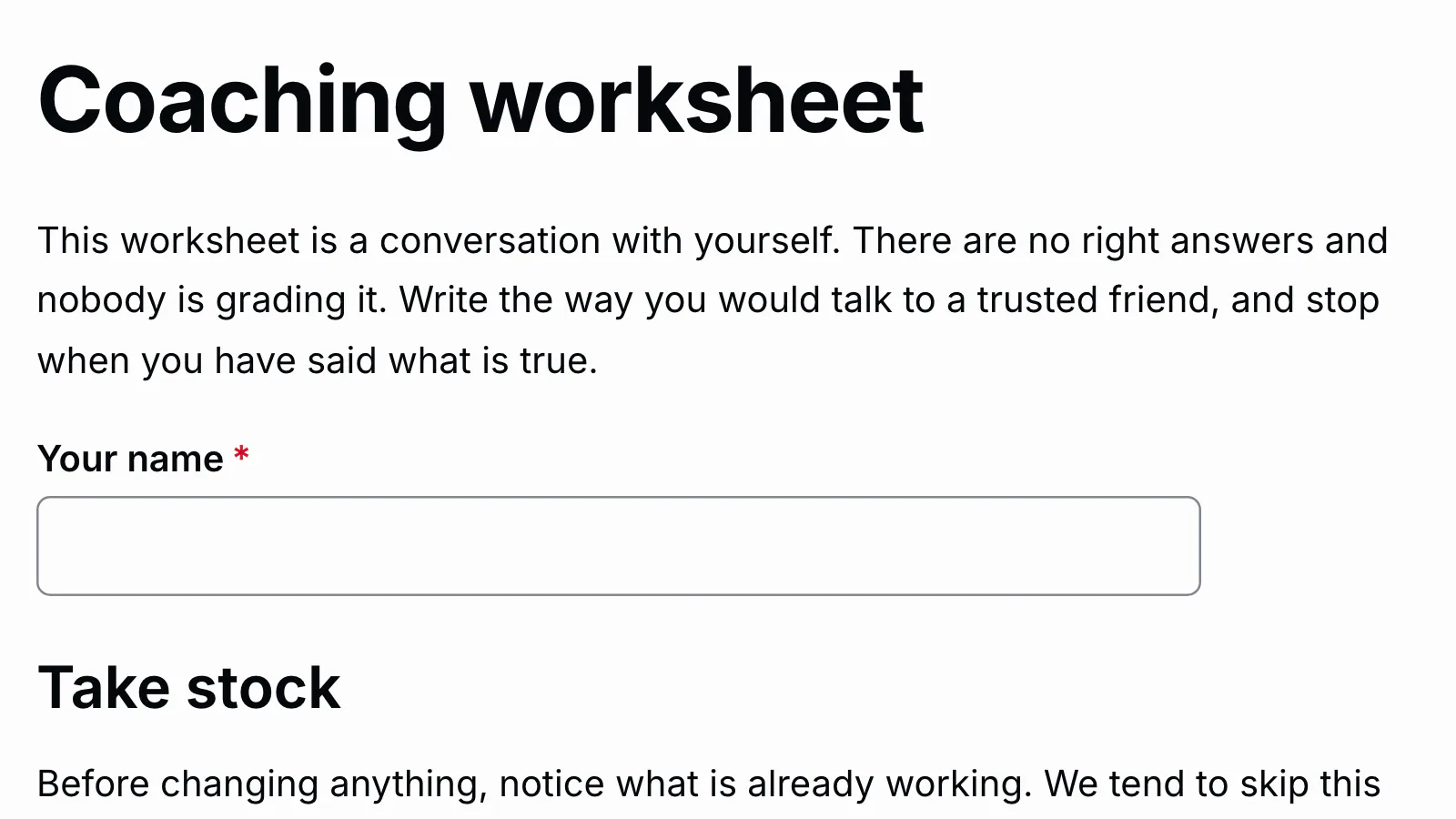
Coaching worksheet
6 questions
A guided reflection worksheet that reads like a conversation, not a questionnaire: short explanations between thoughtful long-answer questions.
It asks
- Your name
- Which parts of your work or life feel most alive right now?
- What takes more from you than it gives back?


What a good intake asks
Who they are and how to reach them
A name and an email are enough to start. Ask for anything more, such as a time zone, only if you will use it.
What they want to change
An open question answered in their own words tells you more than a list of services to tick.
What a good outcome looks like
Asking what success would look like in three months sets expectations on both sides before you agree on the work.
What they have tried before
Ask whether they have worked with someone like you before, and only then what worked and what didn't: conditional logic shows that follow-up only after a yes.
How they found you
When someone picks a personal recommendation, a follow-up asks who recommended you, so you can thank them.
Good to know
- Notie has short answer, long answer, single choice and multiple choice questions, plus hidden fields. It has no file upload, date or signature field, so collect documents and contracts elsewhere.
- Notie doesn't email you when a response arrives. Responses wait in the Submissions tab, and you can export them as CSV or send them to Google Sheets.
- The Free plan has no response limit: every response is visible, exported and synced. Pro, from $19 a month, removes the Notie badge and adds advanced analytics. See the plans.
Read next
From the blog
- Client Intake Form Questions for a First CallClient intake form questions for a first call, with examples for coaches and consultants. Choose what to ask about goals, past attempts and deadlines.
- Client Onboarding Checklist for Coaches: The First WeekUse this first-week checklist to onboard a coaching client. Pick an intake answer to discuss, agree on one action, and check in before the second session.
- Contact Form Template (Free + Copy-Paste Examples)A free contact form template to copy and paste, the fields to include and skip, three variations from simple to detailed, and best practices for more replies.
How-to guides
- How to send a client intake form before the first sessionStart from the client intake form, adjust its questions and follow-ups, send one link to a new client and read their answers before you meet.
- How to build a client onboarding questionnaireBuild an onboarding questionnaire from the client intake form or with the AI builder, group its questions, and show extra ones only when they apply.
- How to add conditional logic to a formShow a question only when an earlier answer calls for it, with one condition or several combined, and turn a rule off again.
- How to export form responses to Google SheetsConnect your Google account and Notie adds each new response of a form as a row in a spreadsheet of its own. On every plan.
Choosing a form tool? See how Notie compares with Typeform, Tally and Fillout.
More template collections
Start from a template
Free forever, no credit card required. Your clients answer from one link, without an account.
Get started free