
Templates
Survey templates
Four short surveys that start with a tap and ask an open question only where the answer matters. Use the customer survey to learn what clients value, the feedback form after a project, the check-in before a session and the quiz as a knowledge check. Each one is shared as one link and answered without an account.
The templates
Open a template to preview every question, or start from it right away. Everything in it can be edited.
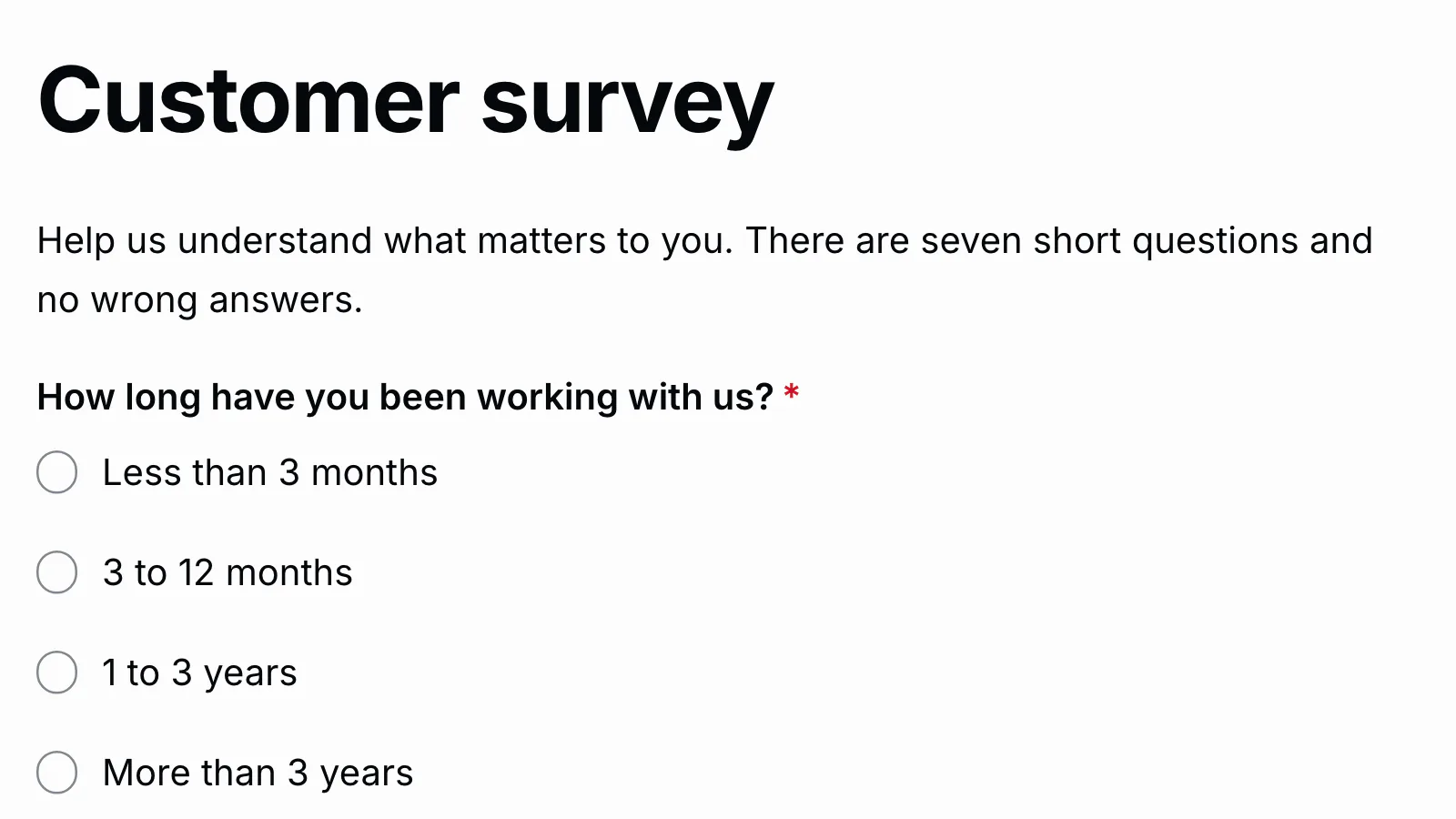
Customer survey
7 questions
Seven mixed questions to learn how long clients stay, what they value most and what to improve first, including a choose-up-to-three question.
It asks
- How long have you been working with us?
- How often do you use our service?
- What matters most to you?
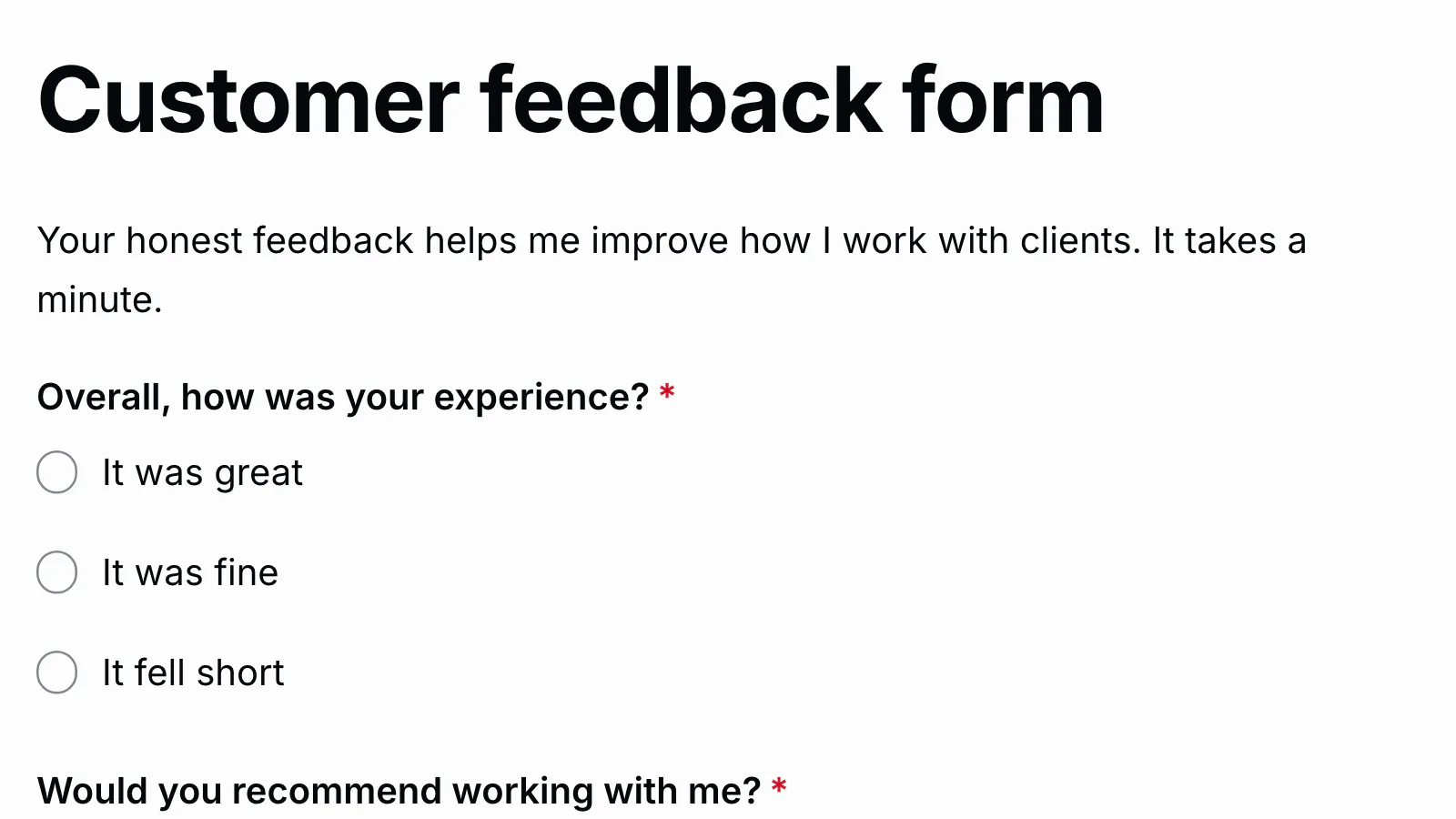
Customer feedback form
6 questions
Ask clients how it went. A follow-up question adapts to the answer: what they valued, or what went wrong.
It asks
- Overall, how was your experience?
- What did you value most?
- What went wrong, and what could I have done differently?
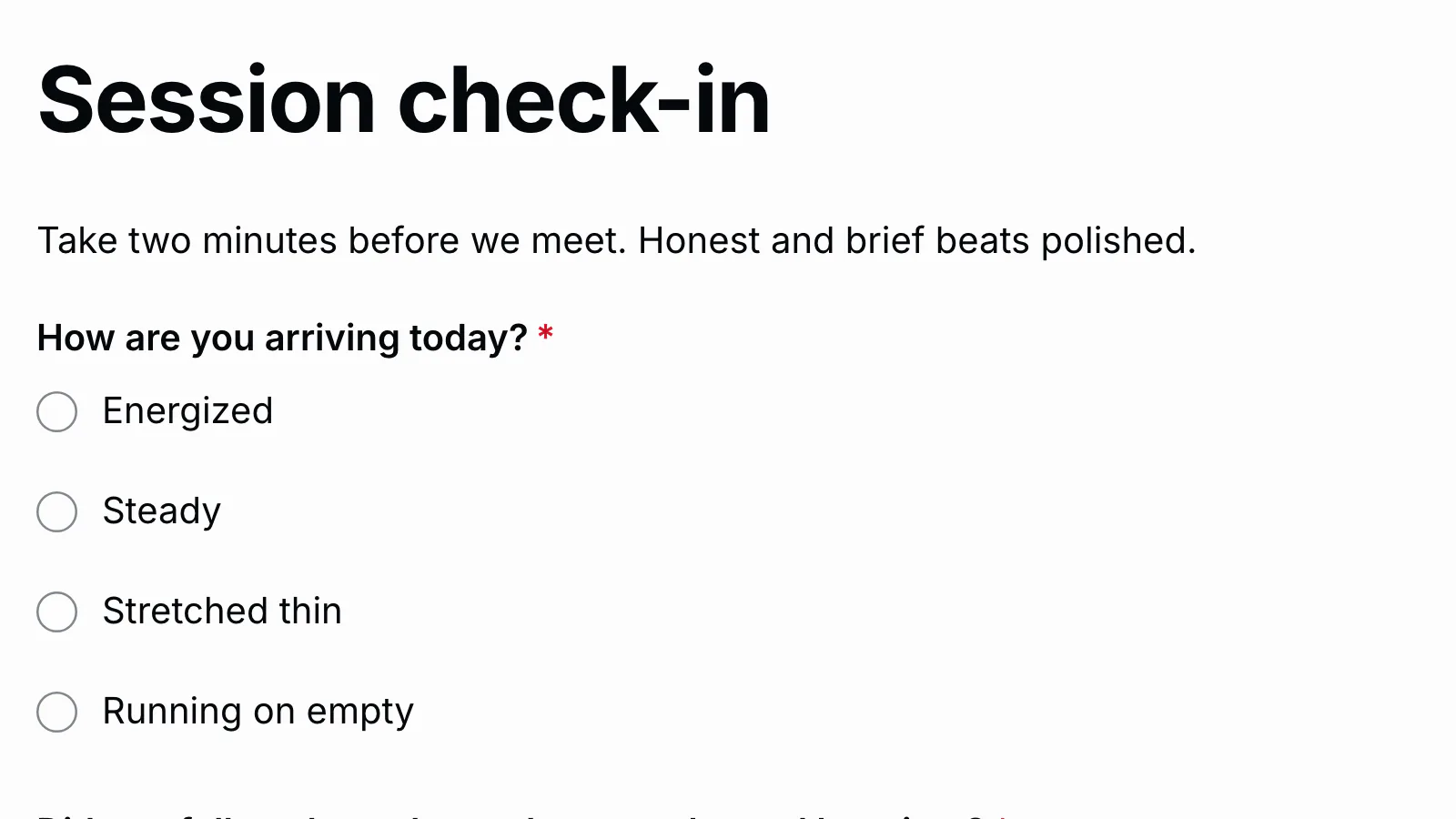
Session check-in
5 questions
A two-minute pre-session form for ongoing clients: how they are arriving, what moved forward, what got in the way and what to focus on.
It asks
- How are you arriving today?
- Did you follow through on what you planned last time?
- What is one win since we last spoke?
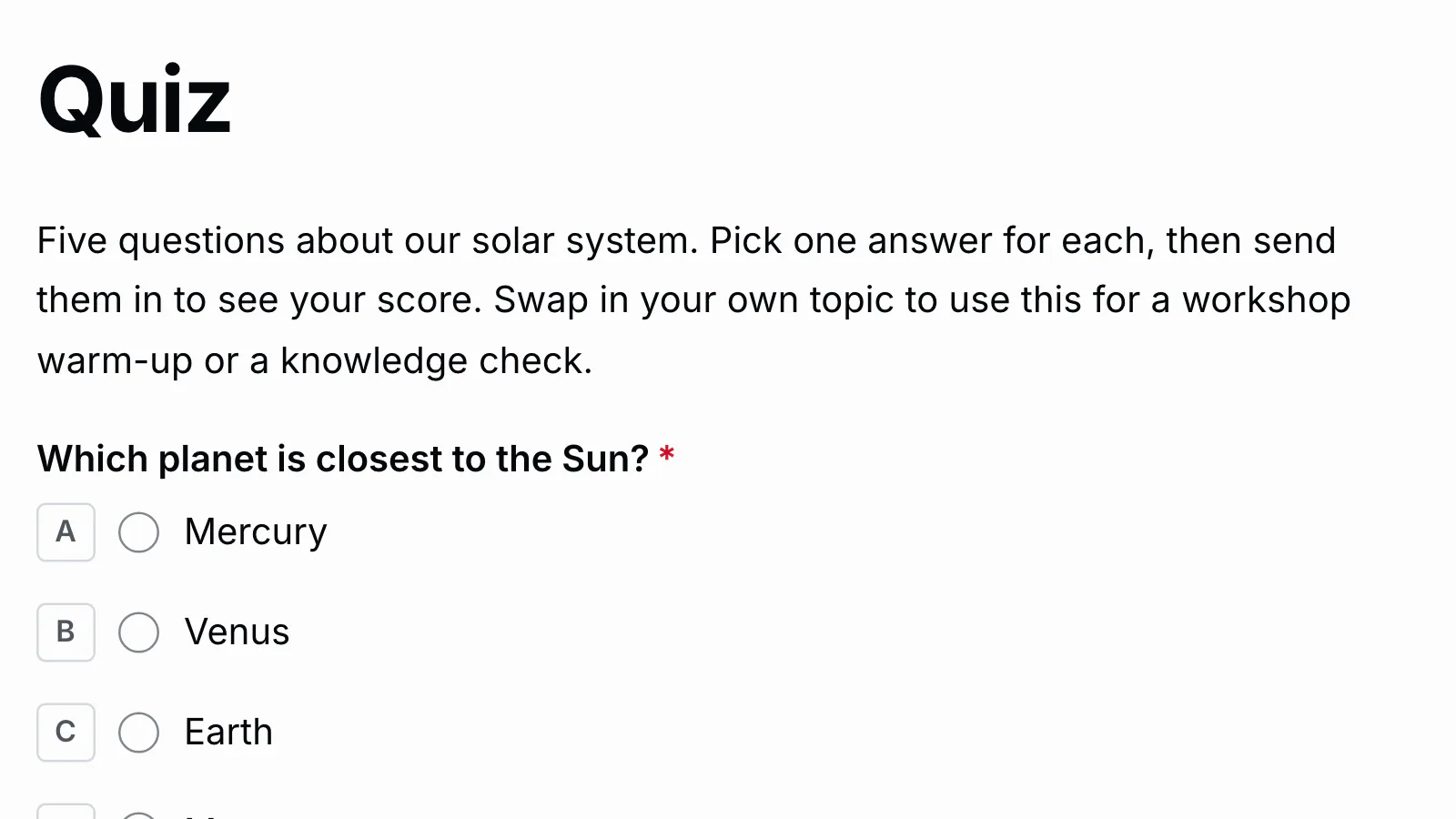
Quiz
5 questions
A scored five-question quiz: one right answer per question, a result for each score range, and each response’s score in Submissions.
It asks
- Which planet is closest to the Sun?
- Which is the largest planet in our solar system?
- Which galaxy do we live in?


How to keep a survey short
Start with a tap
A single choice takes one tap, before you ask anyone to write.
Ask why only when it matters
Conditional logic shows a follow-up question only after the answers that need one, so a happy respondent finishes in seconds.
Build scales as a single choice
Notie has no star, slider or NPS question. A rating is a single choice with numbered options, such as 1 to 5, or 0 to 10 for a recommendation question.
Keep open questions few
Each open question asks someone to write, so keep to one or two. Mark only the questions you need as required.
Good to know
- Analytics show each survey's visits, starts, responses and completion rate. Answers aren't charted question by question: export them as CSV or send them to Google Sheets to count them.
- Quizzes in Notie are scored: give the right answers points, and each person sees their score and the result for their score range. Every score is in Submissions, the CSV and Google Sheets.
- The Free plan has no response limit: every response is visible, exported and synced. Pro, from $19 a month, removes the Notie badge and adds advanced analytics. See the plans.
Read next
From the blog
- Survey Questions Examples to Get Better ResponsesExplore survey questions examples to boost customer feedback, employee engagement, and product research. Copy-ready templates you can use today.
- How to Collect Customer Feedback That Actually WorksTired of low response rates? Learn how to collect customer feedback with proven strategies that uncover real insights and drive business growth.
- Form Examples You Can Create in MinutesExplore form examples for surveys, feedback, intake, quizzes and more. See real templates and create your own with AI in seconds.
How-to guides
- How to add answer options to a choice questionAdd, reorder and remove the options of a choice question, allow more than one answer, and label options 1, 2, 3 or A, B, C.
- How to add conditional logic to a formShow a question only when an earlier answer calls for it, with one condition or several combined, and turn a rule off again.
- How to see form views, starts and completion rateSee how many people opened a published form, started it and sent it, day by day, and on Pro where your visitors come from.
- How to export form responses to Google SheetsConnect your Google account and Notie adds each new response of a form as a row in a spreadsheet of its own. On every plan.
Choosing a form tool? See how Notie compares with Typeform, Tally and Fillout.
More template collections
Start from a template
Free forever, no credit card required. Your clients answer from one link, without an account.
Get started free