
Templates
Contact form templates
A contact form should take a minute to fill in and tell you what the message is about before you read it. Start with the contact form, move to the client intake form when an enquiry becomes a client, or take sign-ups for a workshop with the event registration form. Embed any of them on your website, or share the link on its own.
The templates
Open a template to preview every question, or start from it right away. Everything in it can be edited.
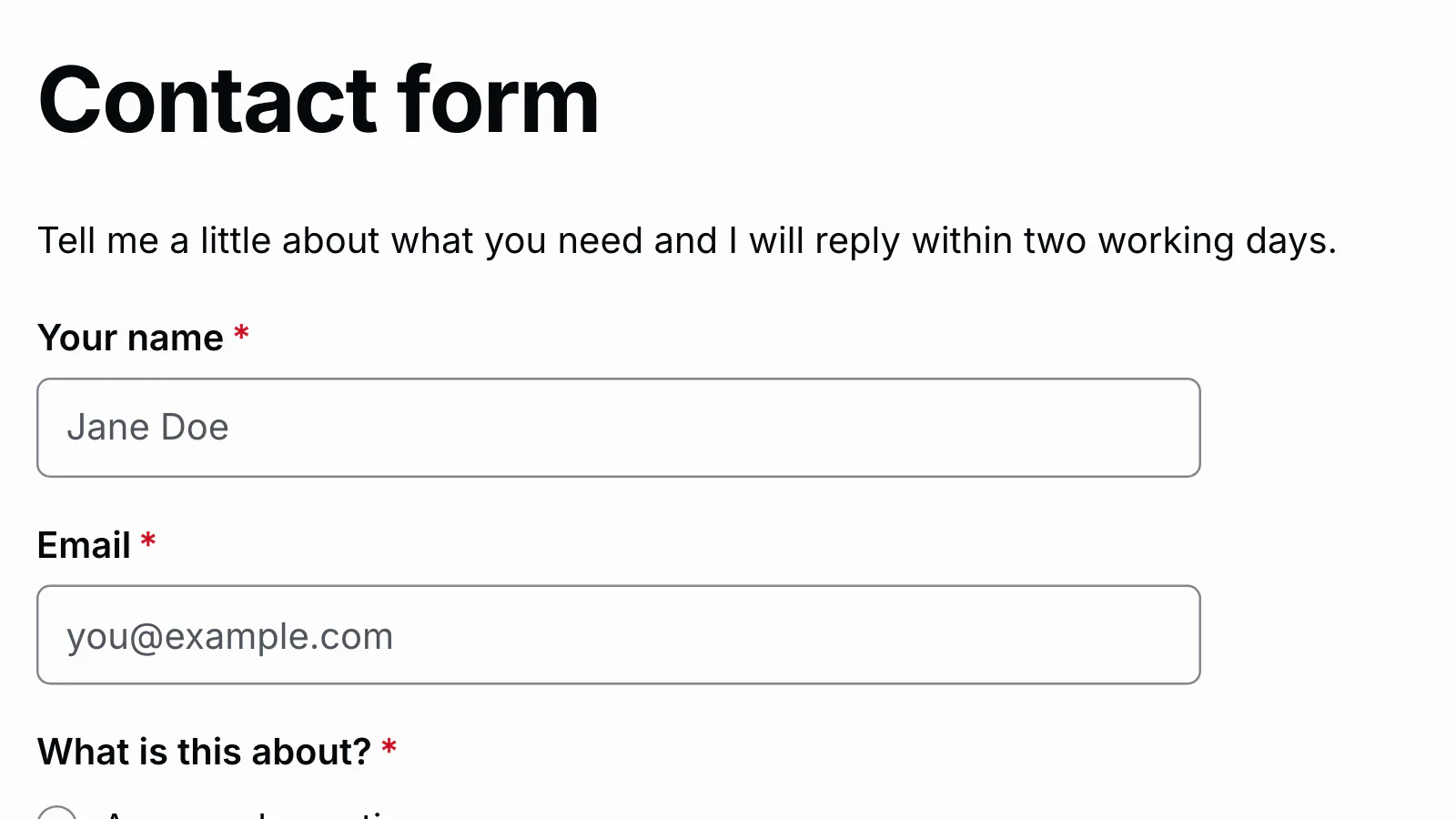
Contact form
4 questions
A simple contact form for your website or proposals: name, email, what the message is about and the message itself.
It asks
- Your name
- What is this about?
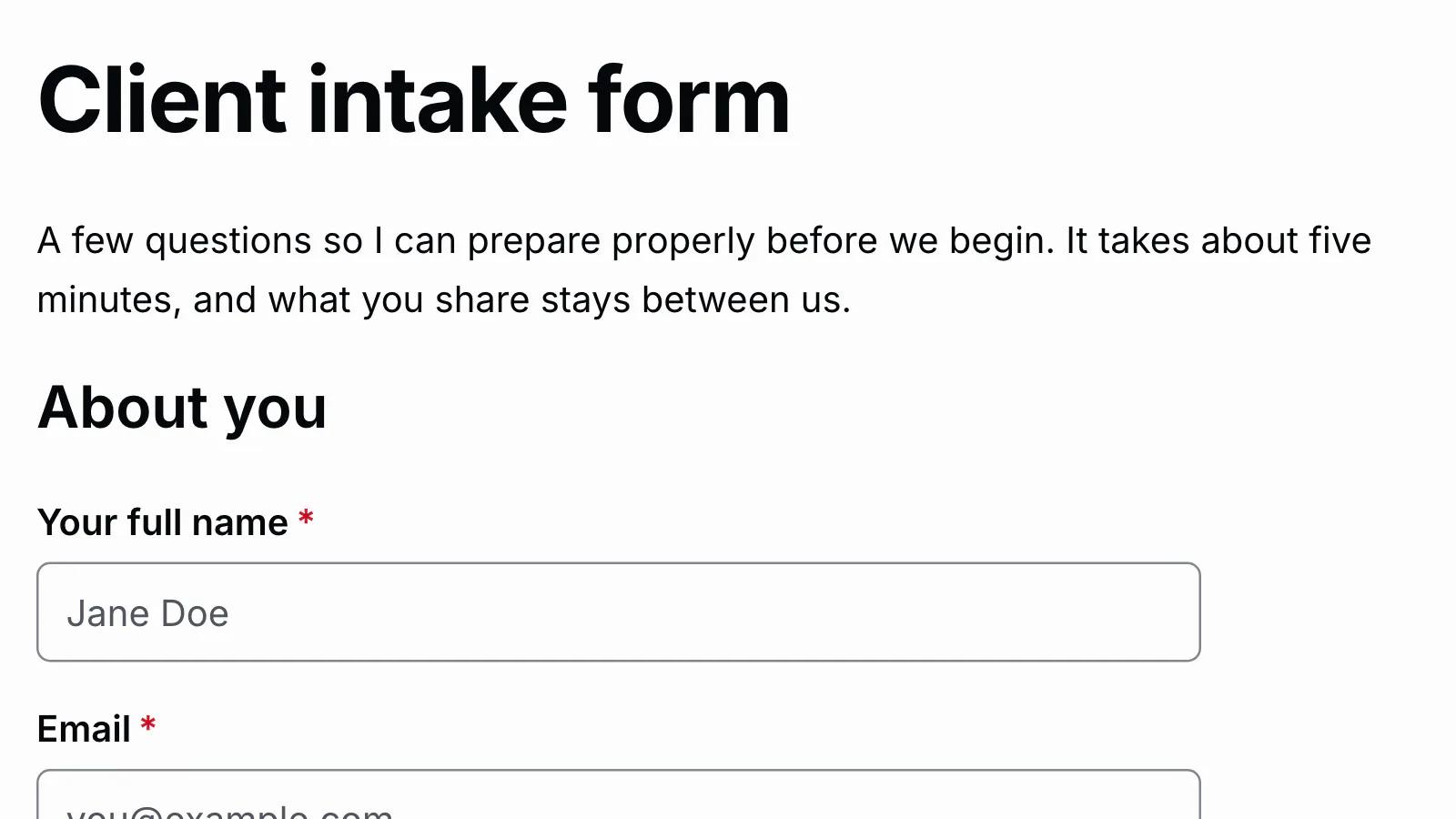
Client intake form
10 questions
Collect the essentials from a new client before the first call: who they are, what they want to change and how they found you.
It asks
- Your full name
- Where are you based?
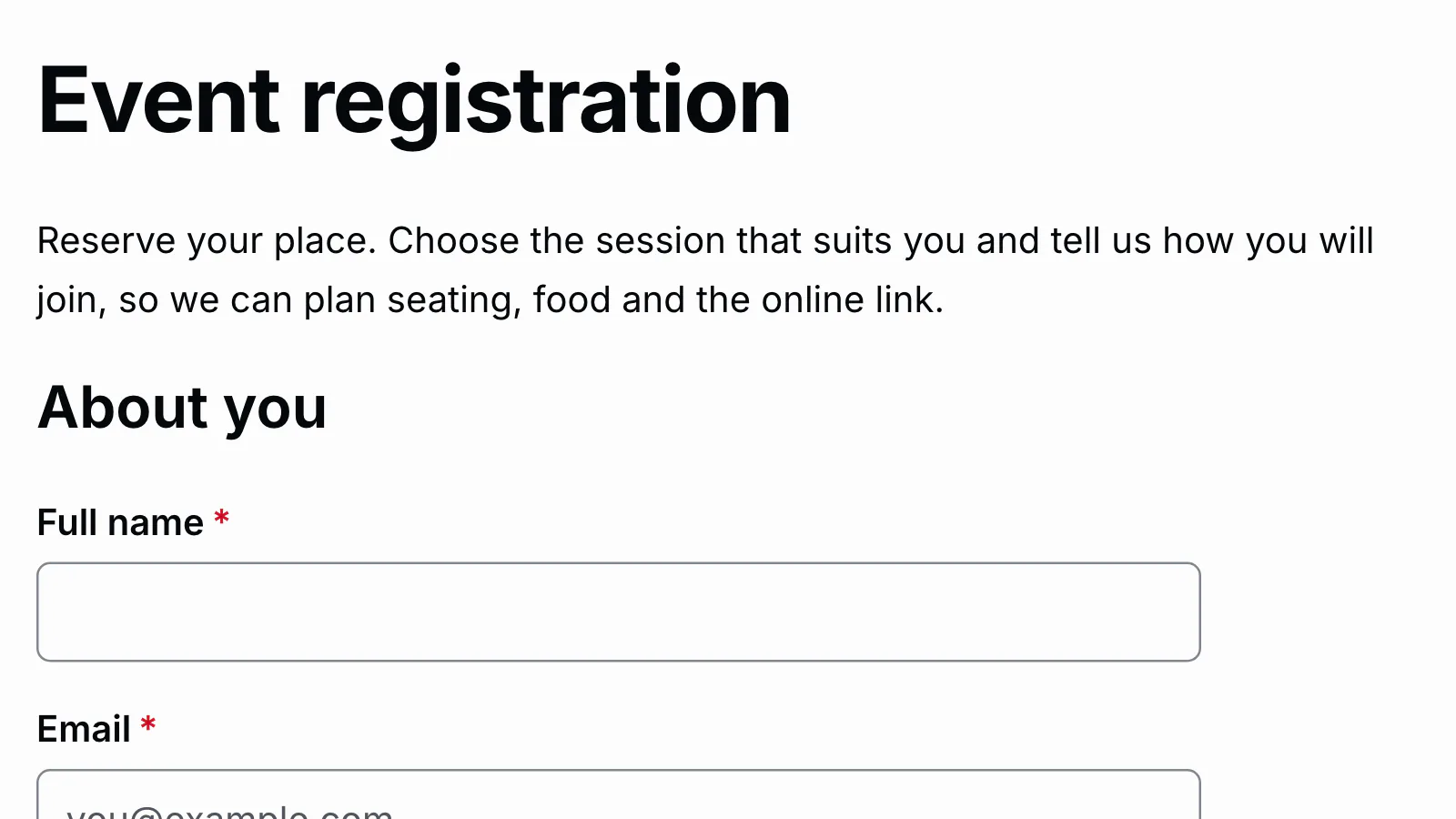
Event registration
7 questions
Registration for a workshop or small event: attendee details, session choice and dietary needs, asked only of people who come in person.
It asks
- Full name
- Organization


What a contact form needs
A name and an email
Both required, with the email checked as an email address, so you can always reply.
What the message is about
A single choice such as a general question, working together, pricing and availability, or something else, so you can sort enquiries at a glance.
The message itself
One long answer with a length limit. Nothing else is needed to start a conversation.
What happens next
Say in the message after submission when you will reply, so nobody wonders whether the form worked.
Good to know
- Notie doesn't email you new messages. They arrive in the form's Submissions tab, marked new until you open them, and can go to Google Sheets as well.
- Put a form on your site with an embed or a popup button, or share the link on its own. Visitors don't need an account to send it.
- The Free plan has no response limit: every response is visible, exported and synced. Pro, from $19 a month, removes the Notie badge and adds advanced analytics. See the plans.
Read next
From the blog
- Contact Form Template (Free + Copy-Paste Examples)A free contact form template to copy and paste, the fields to include and skip, three variations from simple to detailed, and best practices for more replies.
- Form Examples You Can Create in MinutesExplore form examples for surveys, feedback, intake, quizzes and more. See real templates and create your own with AI in seconds.
- Client Intake Form Questions for a First CallClient intake form questions for a first call, with examples for coaches and consultants. Choose what to ask about goals, past attempts and deadlines.
How-to guides
- How to embed a form on your websiteEmbed a form on any website, free on every plan: paste a short snippet into any site builder that accepts HTML, to show it in the page or behind a button.
- How to open a form in a popup on your websiteAdd a button to your website that opens your form in a dialog or a corner panel, styled by Notie or by you.
- How to check answers with validation rulesAsk for a valid email, link or number, limit the length of an answer, and set how many options people can pick.
- How to export form responses to Google SheetsConnect your Google account and Notie adds each new response of a form as a row in a spreadsheet of its own. On every plan.
Choosing a form tool? See how Notie compares with Typeform, Tally and Fillout.
More template collections
Start from a template
Free forever, no credit card required. Your clients answer from one link, without an account.
Get started free